Table of Contents
- What an access card actually does
- Proximity (prox) cards: the 125 kHz workhorse
- When prox still makes sense
- Smart cards: the 13.56 MHz upgrade
- Mobile credentials: the badge on your phone
- How to choose: a quick decision path
- Counting the real cost, not just the sticker price
- Where compliance fits in
- A word on mixing brands
- Not sure which technology your readers use?
If you have ever held a plastic card up to a reader and heard that satisfying beep, you have used an access credential. Learn the differences between Prox vs Smart Card vs Mobile Access Cards. Not all of those cards are the same, and the differences matter for security, cost, and how long your badge program will last before you have to replace everything.
This guide walks through the three families of credentials: proximity ("prox") cards, smart cards, and mobile credentials, so you can choose the right one for your building.
What an access card actually does
An access card is a small radio. When you tap or wave it near a reader, the reader's antenna powers a tiny chip inside the card, and the card sends back a number. The reader passes that number to a control panel, which checks it against your list and decides whether to unlock the door.
The card itself rarely "knows" whether you are allowed in; it just presents an identifier. That is why the type of card you carry and how well it protects that identifier are at the heart of the whole conversation.
Proximity (prox) cards: the 125 kHz workhorse
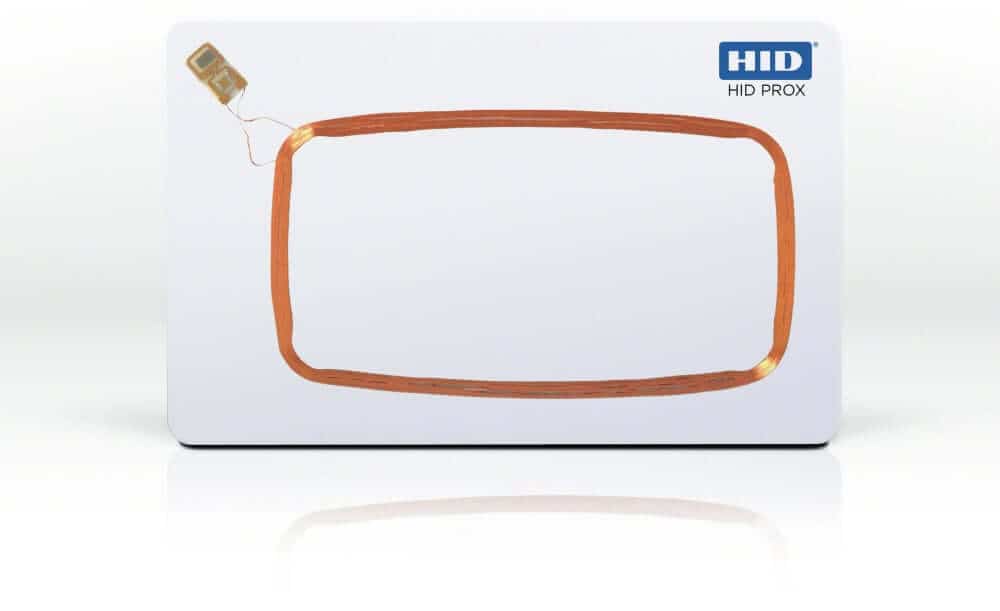
Proximity cards — the kind most people mean when they say "prox" typically operate at a low radio frequency of 125 kHz. They have been the backbone of access control for decades because they are inexpensive, durable, and work with a huge installed base of readers from brands like HID, AWID, Kantech, Keyscan, and Honeywell.
Here is the catch. A standard 125 kHz prox card is essentially read-only and carries little or no encryption. It broadcasts the same number every time, in the clear. That makes it easy to use and, unfortunately, easy to copy. Inexpensive cloning tools, some costing less than $30, can read and duplicate a basic 125 kHz card in seconds. For a low-risk interior door, that may be an acceptable trade-off. For an exterior entrance, a server room, or anywhere a cloned badge would be a real problem, it is worth knowing the limitations before you select it.
When prox still makes sense
Plenty of organizations run perfectly good proximity card programs. If you already have 125 kHz readers, you have a large card population, and your risk profile is modest, staying on prox and reordering compatible cards is reasonable. The key is to make that an informed choice rather than a default option, and to keep an eye on the higher-security doors where an upgrade would pay off first.
Smart cards: the 13.56 MHz upgrade
Smart cards operate at a higher frequency, 13.56 MHz, and the most common ones follow the ISO/IEC 14443 standard for contactless cards. Unlike a basic prox card, a smart card has real memory you can write to, organized into sectors that can each hold their own data and encryption keys. In practice, that means the credential can be encrypted, authenticated with the reader, and is far harder to clone than a 125 kHz proximity card.
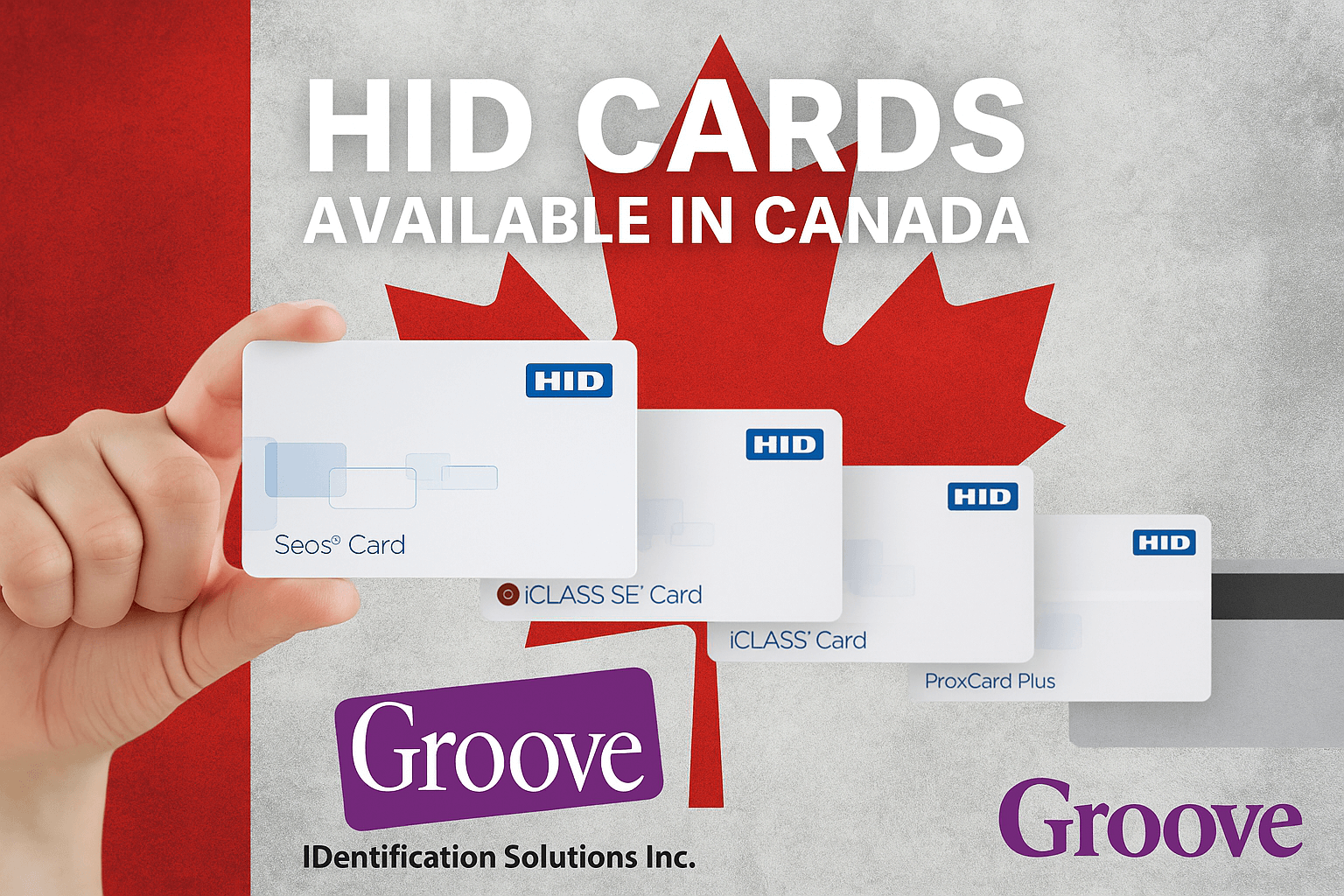
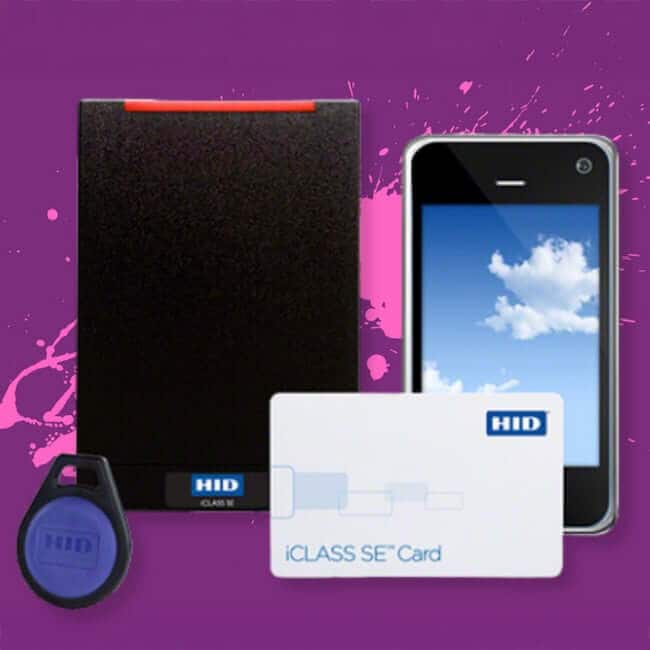
Within the 13.56 MHz world, you will hear product names like HID iCLASS, iCLASS SE, and Seos, along with MIFARE DESFire-based cards. They are not all equally secure. Newer credential technologies, such as Seos, are software-based and built specifically for strong cloning resistance and a clean path to mobile access.
Mobile credentials: the badge on your phone
A mobile credential moves the access "card" into your smartphone. Instead of carrying a card, the user holds their phone (or a smartwatch) near the reader, and the credential is presented in one of two ways. NFC (near-field communication, the same tap technology used for contactless payments) or BLE (Bluetooth Low Energy, which can work at a slightly longer range).
Phones are rarely lost for long and are protected by a PIN, fingerprint, or face unlock, which adds a layer that the plastic cards never had. Issuing and revoking a credential becomes a software action rather than a trip to the badge printer, which is a real advantage for organizations with remote sites or high staff turnover.
The trade-off is that you need readers compatible with mobile credentials, a relationship with the credential platform, and a plan for visitors, contractors, and anyone who will not use a personal phone for work access. Most organizations adopt mobile alongside their cards rather than instead of them.
How to choose: a quick decision path
Start with what you already use. Identify the frequency and brand of your current readers, because that determines what cards will work without new hardware. From there, weigh three things: the sensitivity of what is behind each door, your need for replacing readers, and how much you value being able to issue and revoke credentials instantly.
Low-risk interior doors with an existing prox fleet can stay on 125 kHz; new builds and higher-security doors should use 13.56 MHz smart cards; and organizations that manage many employees or multiple locations should evaluate mobile credentials for at least some of their workers. You rarely have to pick just one, and many sites run a mix and migrate over time.
Counting the real cost, not just the sticker price
It is easy to compare credentials at a per-card price. Where 125 kHz prox cards usually look cheapest, the total cost of a badge program includes the readers, the labour to issue and replace credentials, and the cost of an incident if a cloned card lets the wrong person through a sensitive door.
A smart card or mobile credential carries a slightly higher upfront unit cost, yet it can have lower long-term risk, and for mobile, it stops the day-to-day labour of printing, mailing, and collecting plastic. Comparing the cost over the life of the program, not the cost of a single card.
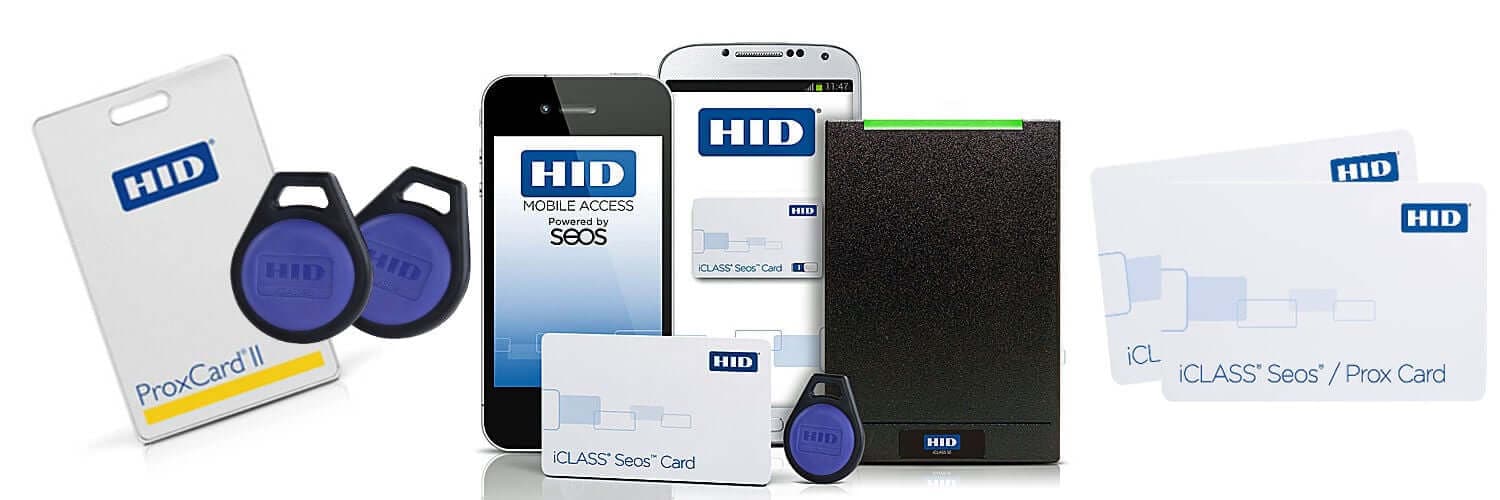
Reader compatibility is the other hidden cost. Moving from 125 kHz to 13.56 MHz might mean replacing readers. Mobile credentials require readers that specifically support NFC or BLE. Thankfully, there are multi-technology readers that can read multiple credential types at once. They let you use old and new cards side by side during a transition instead of swapping every badge for an easier transition.
Where compliance fits in
For regulated environments, the credential choice is not purely a convenience decision. Organizations handling patient information, such as hospitals or healthcare facilities (under Ontario's PHIPA and Canada's federal PIPEDA), should use encrypted 13.56 MHz smart credentials, which are easier to defend than read-only prox.
You do not need high encryption credentials for every door, but it helps to know which doors carry a compliance obligation before you standardize on the cheapest card.
A word on mixing brands
One of the most common worries we hear is brand lock-in. The good news is that compatible credentials exist across the major ecosystems — GrooveProx cards and fobs, for example, are designed to work with HID, AWID, Kantech, Keyscan, Honeywell, and other reader formats, so you are not forced to buy a single manufacturer's card for a single manufacturer's reader.
The question is rarely "which brand is best" and almost always "which credential is right for this door, this risk level, and this budget." It also means you are not stranded if your original supplier or installer disappears. As long as you can document the technology, frequency, and format your readers expect, a knowledgeable credential supplier can match new cards to your existing system — whether those readers came from HID, Kantech, Keyscan, Honeywell, or another brand. Compatibility is about the data the reader expects, not the logo on the card.
If you are staring at a card and a reader and cannot tell what you have, that is the most common starting point — and the easiest one to solve. The next step is simply matching the technology you own to the credential you reorder. Whether you stay on prox, step up to a 13.56 MHz smart card, or add mobile credentials for part of your team, the winning move is the same: choose deliberately, document what you have, and let each door's risk guide the technology rather than defaulting to whatever shipped with the building.
Not sure which technology your readers use?
Please give us a call or email, and our team will tell you exactly what works. Browse compatible GrooveProx, HID iCLASS, and Seos credentials.