Table of Contents
Is your ID card stuck in your printer? Fargo Error 81 is one of the most common issues faced by card office administrators. It signifies an "Unable to Feed Card" status, meaning the printer’s internal rollers are spinning, but a blank card has failed to enter the printing path.
In this guide, we’ll cover every HID Fargo model affected by this error and the exact steps you need to take to get back to printing.
Which HID Fargo Printers are Affected by Error 81?
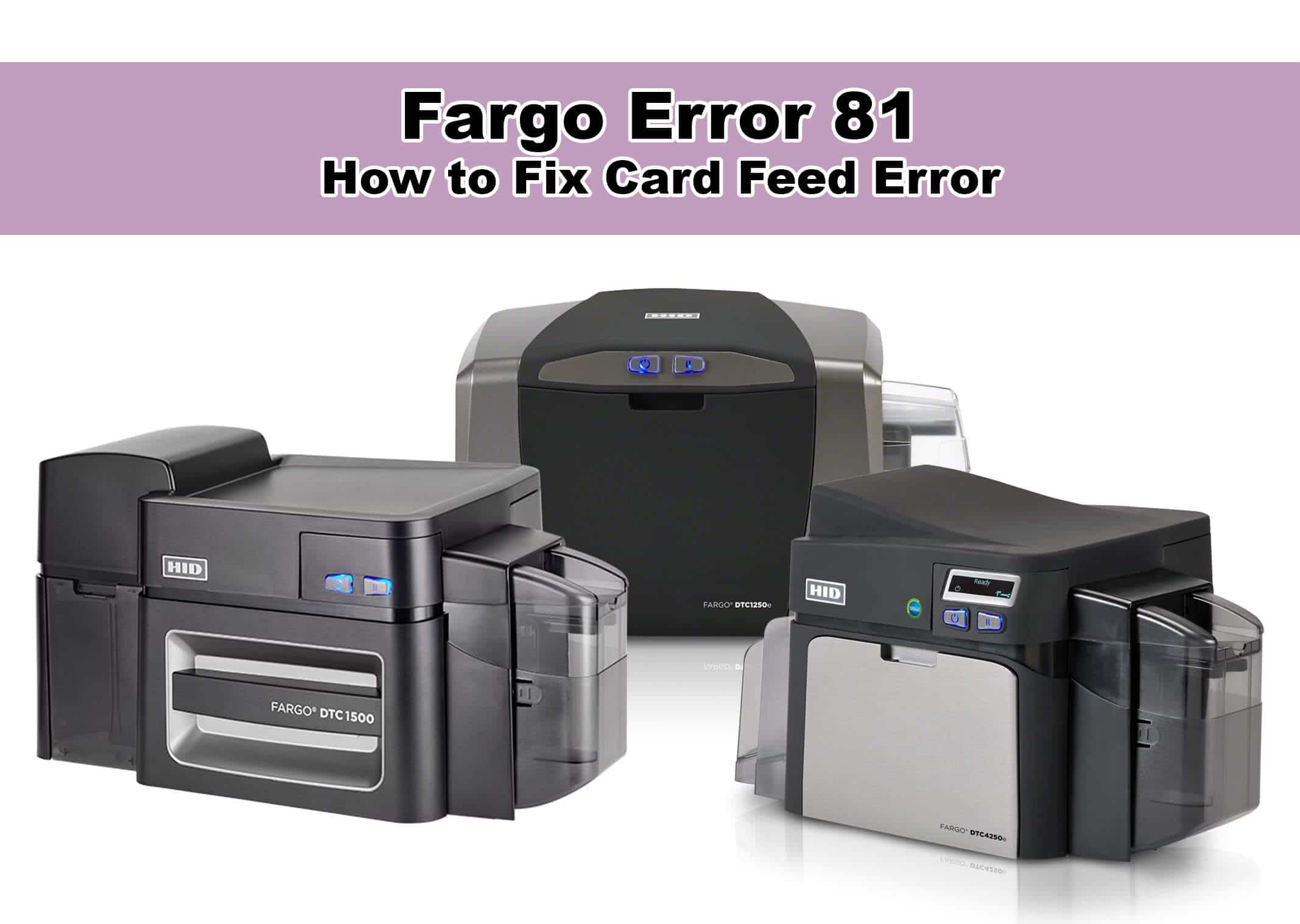
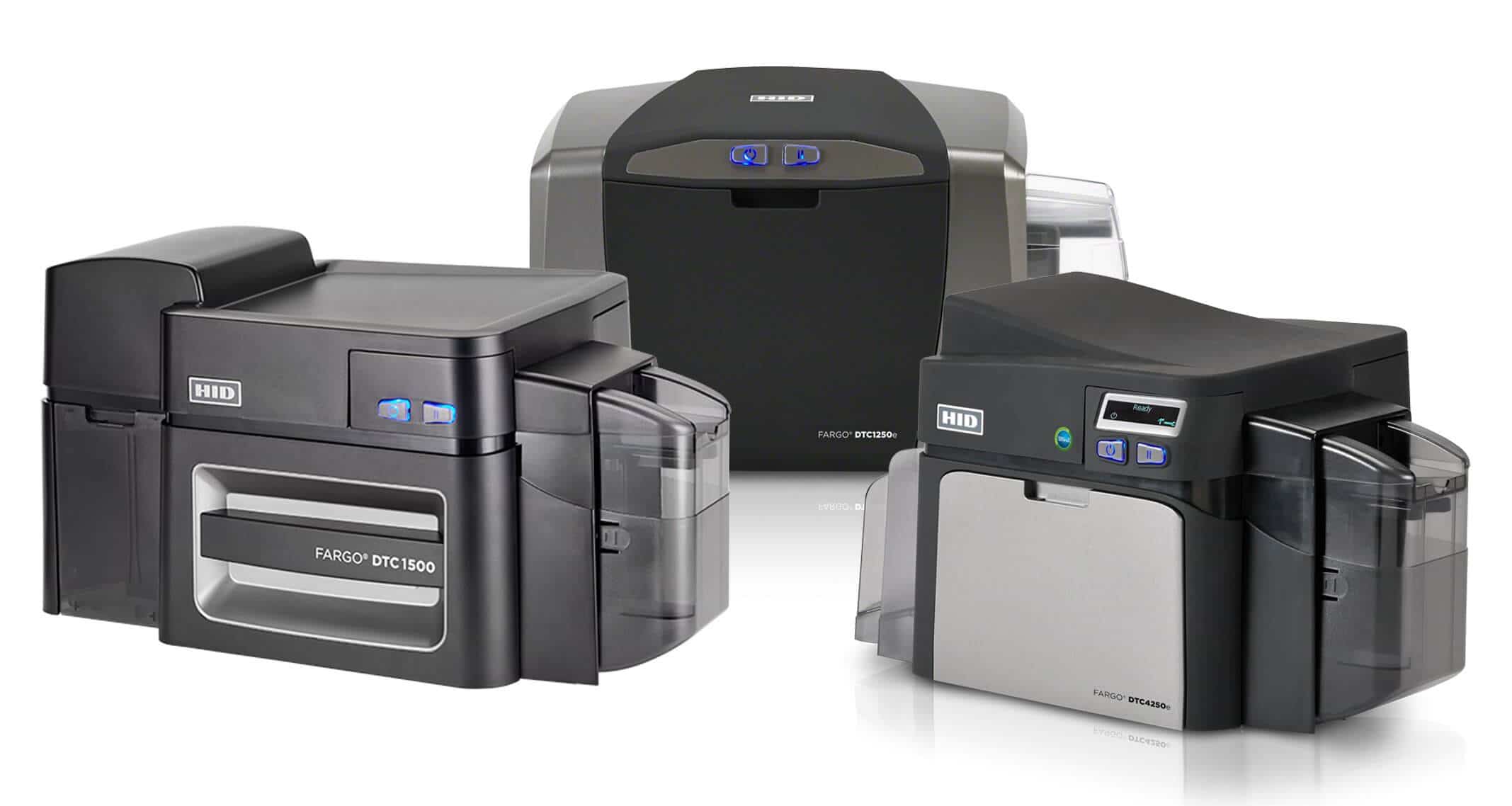
Fargo Error 81 is a standardized code used across almost the entire HID Global Fargo lineup. If you own any of the following models, this guide applies to you:
DTC Series (Direct-to-Card): DTC1000, DTC1250e, DTC1500, DTC4250e, DTC4500e, DTC5500LMX.
HDP Series (High Definition Printing): HDP5000, HDP5000e, HDP5600, HDP6600, HDP8500.
C Series: Fargo C50.
4 Common Causes of Fargo Error 81
Before diving into the mechanics, it helps to understand why your printer is struggling to pull cards. Usually, it comes down to one of four factors:
Card Thickness Misalignment: The gate is set too narrow for the cards.
Slippery Feed Rollers: Dust or "PVC debris" has made the rubber rollers lose their grip.
Static Electricity: Cards are "fused" together in the hopper.
Cleaning Roller Obstruction: The tacky roller is either full of dust or improperly installed.
Step-by-Step: How to Resolve Fargo Error 81
1. Adjust the Card Thickness Slider
Most Fargo printers have a blue slider located inside the card hopper area. If this is set to a lower "mil" than your cards, it creates a physical barrier.
The Fix: Ensure the slider matches the "mil" (thickness) of your cards. Standard credit-card thickness is 30 mil. If the slider is accidentally set to 20 mil, the card will hit a "wall" and trigger Error 81.
2. "Fan" Your Card Stack
New PVC cards often have static build-up or a vacuum seal between them, causing them to stick together.
The Fix: Remove the cards from the hopper. Hold them by the edges (avoid touching the flat surfaces) and fan them like a deck of playing cards. This introduces air between the layers and breaks the static bond.
3. Clean the Feed Rollers
If you hear the motor whirring but the card doesn't move, the intake rollers are likely "bald" or slick from dust.
The Fix: Perform a Standard Cleaning Cycle. Go to your PC's Devices and Printers > Printing Preferences > Toolbox > Clean Printer. Follow the prompts to run a sticky cleaning card through the path.
4. Check the Tacky Cleaning Roller
Fargo printers use a small, replaceable roller to remove dust from cards before they hit the printhead.
The Fix: Ensure the protective paper was removed from the tacky roller during installation. If the roller is completely covered in dust or hair, it can create a "speed bump" that prevents cards from entering the printer. Replace it with a fresh roller from your ribbon kit.
FAQ's:
What does Error 81 mean on a Fargo printer?
Error 81 means "Unable to Feed Card." It occurs when the printer cannot pull a blank card from the input hopper into the internal print path.
How do I reset a Fargo Error 81?
First, clear any stuck cards from the hopper area. Once the physical path is clear, press the Pause or Resume button on the front of the printer to clear the digital error code.
Why is my Fargo Card Printer saying "Unable to Feed"?
This is likely due to the card thickness slider being set incorrectly, dirty feed rollers, or cards sticking together due to static electricity.
Need Expert Help? Contact Groove Identification Solutions
If you've followed these steps and your Fargo printer still displays Error 81, it may be time for a professional sensor alignment or a mechanical repair.
Groove Identification Solutions can assist with all your ID card printer needs, including:
Technical Support: Troubleshooting complex error codes and software issues.
Professional Servicing: Regular maintenance to extend the life of your printer.
Authorized Repairs: Expert hardware repair for all HID Fargo models.
Don't let a "Feed Error" halt your production. Reach out to Groove Identification Solutions today for expert assistance and parts.
Contact us today!
Give us a call: 1-888-940-3645
Reach us online: https://groovebadges.com/pages/contact