Table of Contents
What is the Fargo DTC Error 91?
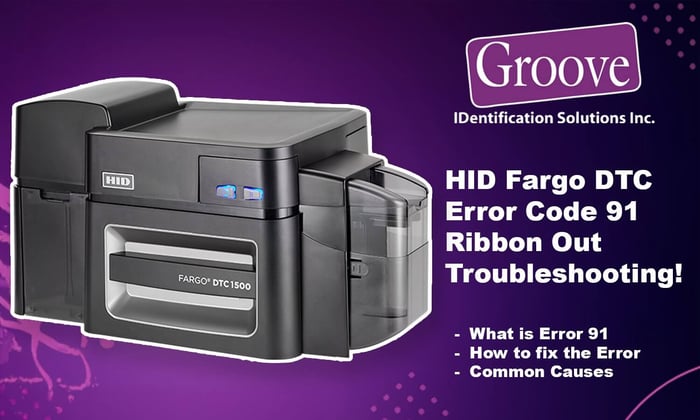
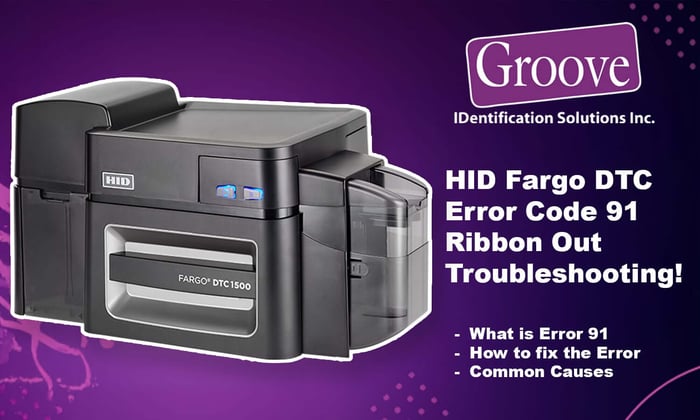
Fargo DTC error 91, ribbon out is one of the most common messages Fargo DTC users see when their card printer suddenly stops in the middle of a job. In this guide, we’ll explain exactly what the Fargo DTC error 91 message means, why your printer thinks the ribbon is empty, and how you can fix it quickly so you can get back to printing ID cards.
Error 91 on Fargo DTC series printers (including DTC1250e, DTC1500, DTCii, etc.) means the printer believes the ribbon supply is empty. The job stops to protect the printhead and avoid printing directly onto bare cards.
Why does Error 91 happen on Fargo DTC printers?
When you see error 91 on your printer, it simply means the printer believes there is no usable ribbon left in the cartridge. the error can also appear if the ribbon is broken, not seated correctly, or if the wrong ribbon type is installed.
Common reasons include:
The ribbon broke and the sensor can no longer track panel movement.
The ribbon is installed but not fully seated, so the printer can’t see it properly.
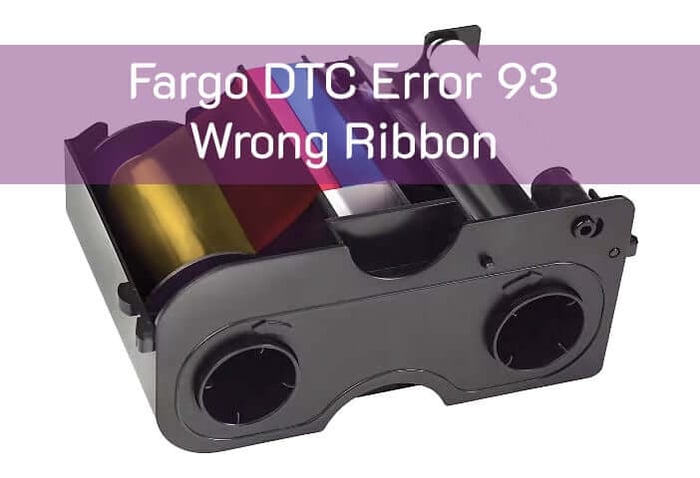
A non-genuine or incorrect ribbon type is installed and isn’t being read correctly.
The Ribbon Cartridge has actually reached end of the roll.
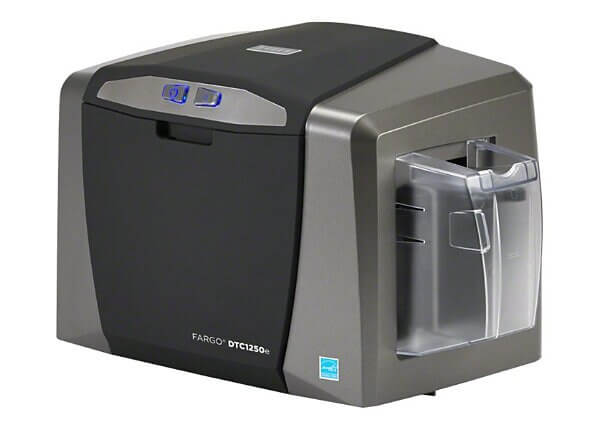
How to clear Fargo DTC Error 91 “Ribbon Out”
Here is a simple step-by-step process to clear Fargo DTC error 91 ribbon out and get your printer running again.
Open the ribbon door and remove the cartridge.
Check the ribbon roll:
If it’s fully used, install a fresh Fargo-certified ribbon.
If it’s broken, tape the two ends together and manually wind a few panels onto the take-up core.
Make sure the ribbon cartridge snaps fully into place in the printer.
Close the cover and power-cycle the printer (off, wait 10 seconds, on).
Re-send a small test print.
If the error persists with a brand-new genuine ribbon, you may be dealing with a sensor or RFID tag issue; see also your printer’s “Ribbon RFID Error” information. For more Fargo DTC troubleshooting tips, you can also visit our Fargo card printer support page or contact us for help. https://groovebadges.com/a/blog/category/photo-id-card-printer-support
Need help or replacement Fargo ribbons?
If you’re still seeing error 91 after replacing the ribbon, it may be time for a cleaning kit or printhead inspection. Groove Identification Solutions can help you choose the right Fargo ribbon, cleaning supplies, and walk you through live troubleshooting.
Call 1-888-940-3645 or email us info@groovebadges.com for support and supplies for Fargo DTC printers across Canada.