Table of Contents
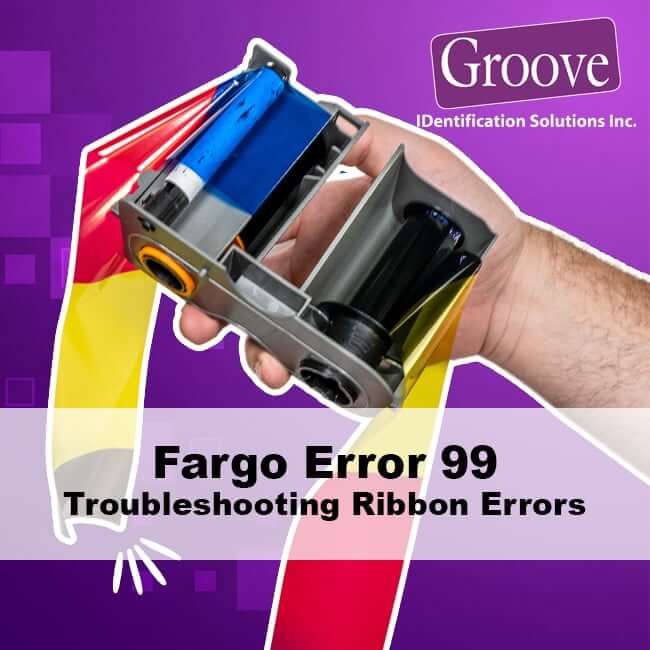
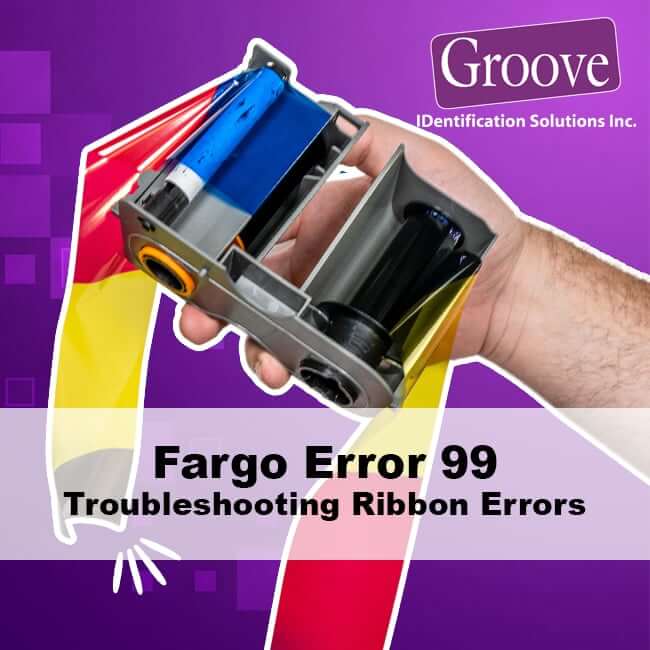
Fargo Error 99 is a general ribbon fault that can stop your card printing unexpectedly. In this guide, we will explain what the Error 99 message means, why your ribbon may be jamming or breaking, and how to get your printer working again.
What is Fargo Error 99 ribbon error?
When you see error 99 on your Fargo Printer, the printer has detected a serious problem with ribbon movement. This could be a jam, a break, or a condition where the ribbon cannot advance properly. To protect the printhead and avoid wasting cards, the Fargo Card printer stops the job and reports a general ribbon error.
In short, Fargo error 99 means “I cannot move the ribbon safely”.
Which Fargo Printers are Affected?
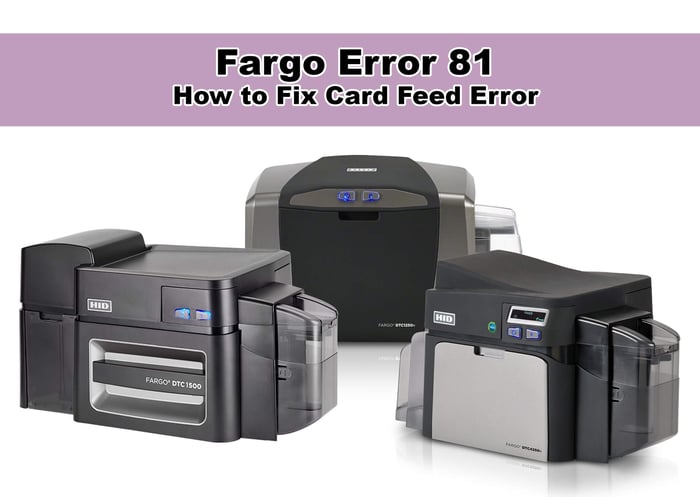
This common Printer Ribbon Error affects HID Global Fargo card printers, most notably the DTC1250e, DTC1500, DTC4250e, DTC4500e, and the high-definition HDP5000 and HDP8500 series printers.
Why does Fargo Error 99 happen?
Common causes include:
Broken ribbon
The ribbon snapped during printing.
This often happens during a card jam or when cards are dirty.
Ribbon jammed or wrapped around a card
The ribbon has fused to the card surface or folded over itself.
The printer cannot pull the ribbon smoothly.
Ribbon cassette not installed correctly
The cassette is not fully locked into place.
The drive gears or spindles cannot turn the ribbon properly.
Using damaged or low-quality ribbon
Old or poorly stored ribbon can become brittle or sticky.
Third-party ribbons may not meet Fargo’s specifications.
How to fix Fargo Error 99 - Ribbon Error
Follow these steps to clear Error 99 - Ribbon Error:
Power off the printer
Turn the printer off so you can safely remove ribbon and cards.
Remove the ribbon cassette
Open the ribbon cover and gently pull out the cassette.
Avoid tearing the ribbon further if possible.
Inspect ribbon and cards
Look for ribbon wrapped around a card or stuck in the print path.
Remove any jammed or damaged cards.
If the ribbon is twisted, torn, or contaminated, replace it.
Clean the print path
Use Fargo cleaning cards to clean rollers and the card path.
Remove any visible debris or ribbon fragments.
Reinstall and test
Install a fresh, genuine Fargo ribbon cassette.
Make sure it clicks firmly into place.
Turn the printer back on and print a test card.
How to Prevent Ribbon Error Issues
To prevent recurring ribbon errors:
Always use clean, high-quality cards from a sealed container.
Run a cleaning cycle each time you change the ribbon.
Avoid overfilling the hopper, which can cause jams and ribbon damage.
Use Fargo-approved ribbons that are compatible with your model.
When to call for help with Ribbon Error's
If Fargo error 99 keeps returning even after you change the ribbon and clean the printer, there may be deeper mechanical or sensor issues. Rather than guessing, you can speak with a Certified Fargo printer technician at Groove!
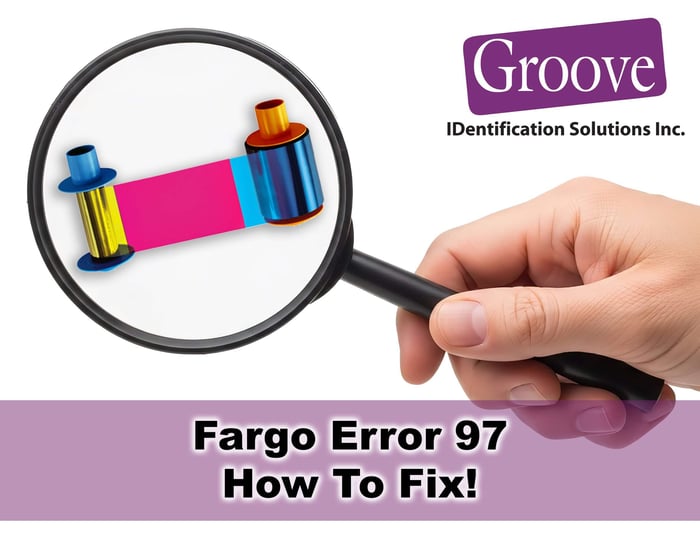
If your ribbon errors mention Ribbon Search Error, see our Fargo DTC error 97 guide- https://groovebadges.com/a/blog/fargo-dtc-error-97-ribbon-search-error
Groove Identification Solutions can help you:
Select the right Fargo ribbons and cleaning kits
Troubleshoot persistent ribbon errors
Decide whether repair or trade-in is the best option for your card printer
For support with Fargo Error 99 and all ID Card Printer Problems you might be experiencing, email us info@groovebadges.com or call 1-888-940-3645.