Table of Contents
- How Evolis Primacy 2 Error Messages Work
- Quick Decision Guide for Primacy 2 Issues
- Most Common Evolis Primacy 2 Error Messages
- Ribbon and Consumable Error Messages
- Card Feed and Hopper Messages
- Cleaning and Maintenance Messages
- Cover, Door, and Mechanical Messages
- Communication and Software Messages
- Preventing Evolis Primacy 2 Error Messages
- When to Contact Support
- Frequently Asked Questions About Evolis Primacy 2 Error Messages
- Order your Evolis Primacy Card Printer Here!
- Get Certified Support Here
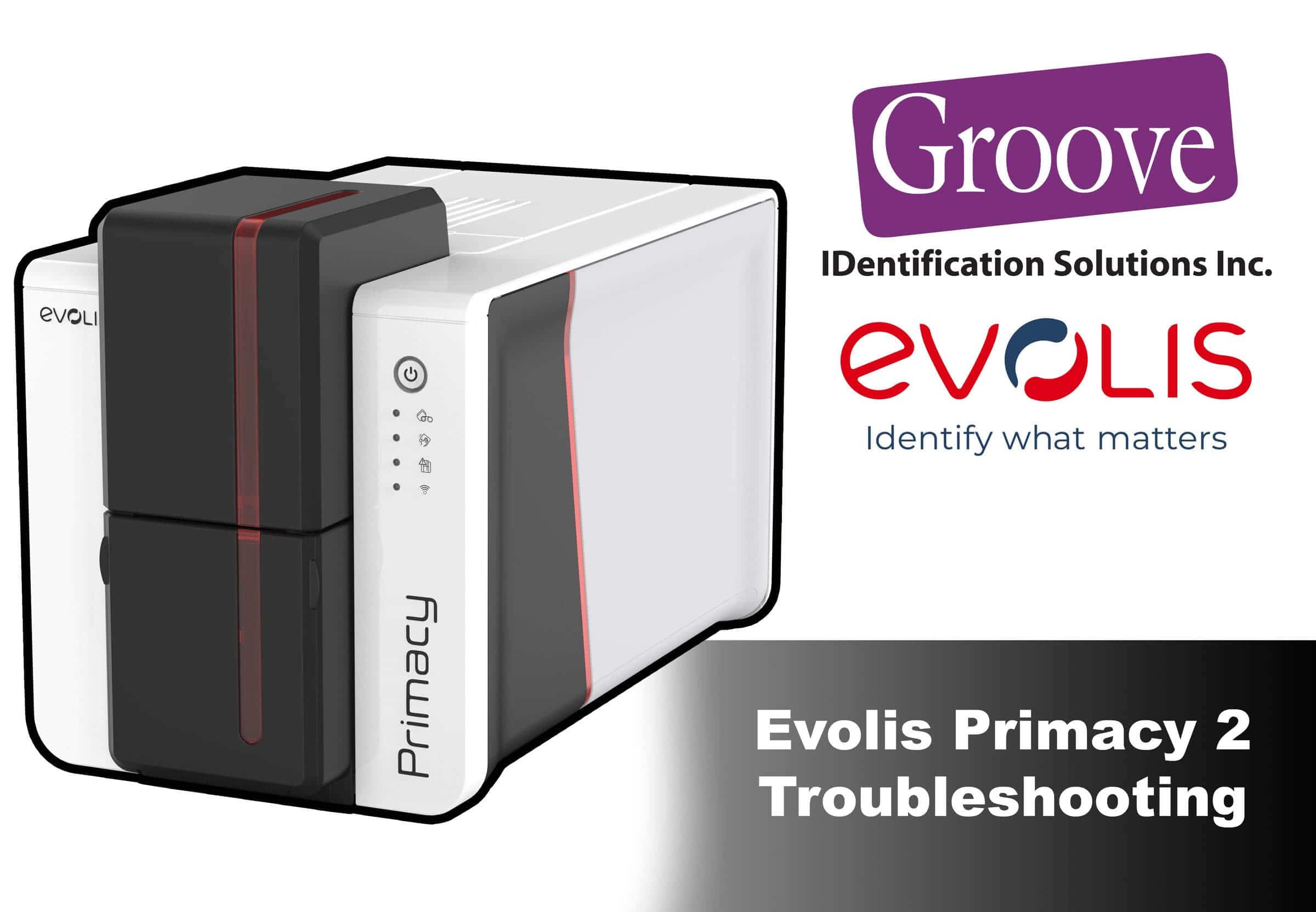
Evolis Primacy 2 error messages are designed to protect the printer and prevent damage, but they can be frustrating when printing stops unexpectedly. Unlike some card printers that display numeric error codes, the Primacy 2 uses clear text-based messages to indicate issues related to ribbons, cards, cleaning, and printer status.
This guide explains Evolis Primacy 2 error messages, why they occur, and how administrators can resolve them quickly without unnecessary downtime or guesswork.
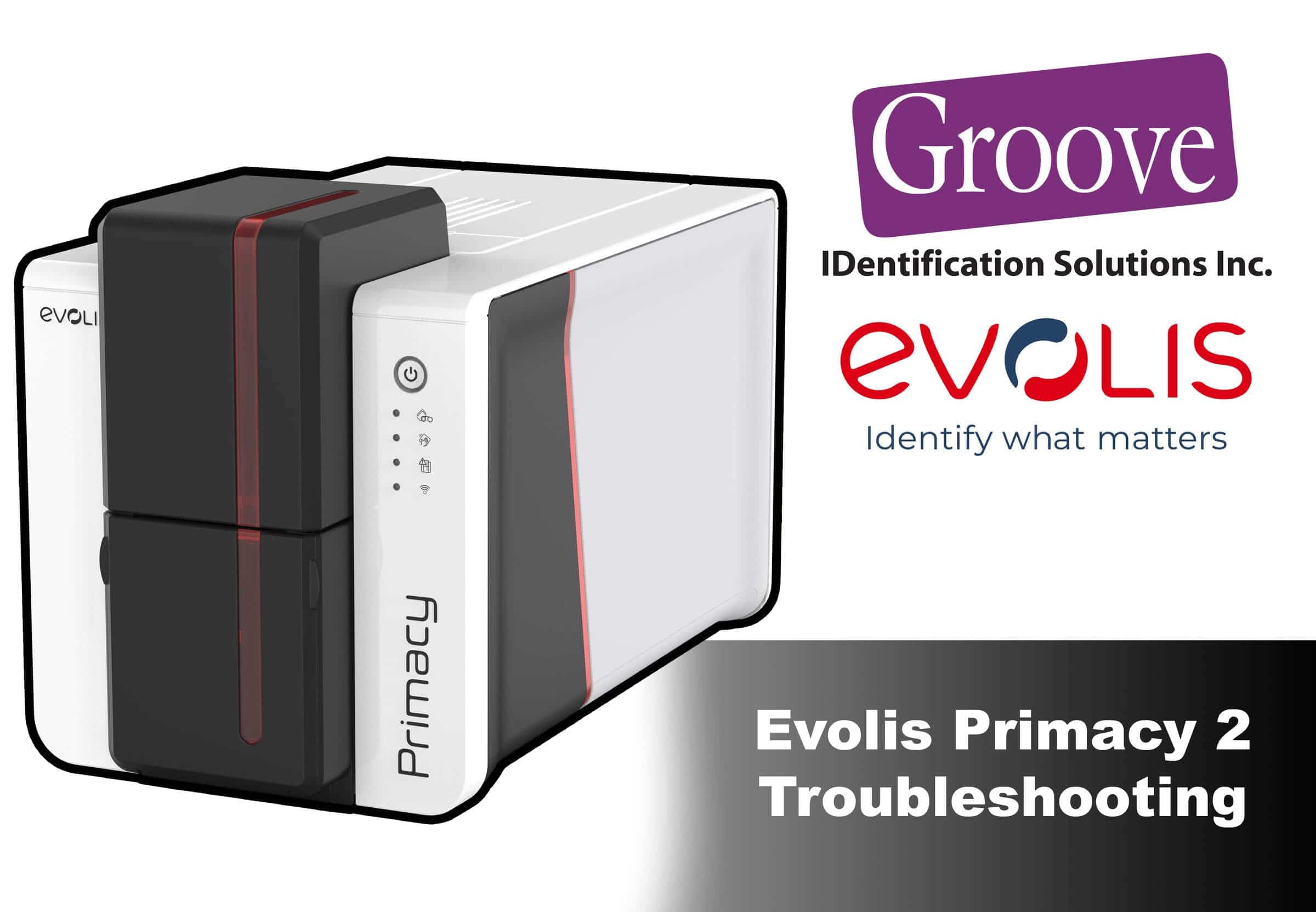 How Evolis Primacy 2 Error Messages Work
The Evolis Primacy 2 communicates printer conditions using plain-language messages shown in Evolis Print Center. These messages are triggered by sensors that monitor ribbon movement, card feeding, cover position, cleaning cycles, and internal status.
Messages typically fall into two categories:
• Blocking messages that stop printing until resolved
• Informational messages that warn of upcoming maintenance or supply replacement
Understanding which category a message falls into helps determine how urgent the issue is.
Quick Decision Guide for Primacy 2 Issues
If you need printing restored quickly, use this guide before troubleshooting individual messages.
If the message mentions ribbon or film:
Remove, reseat, or replace the ribbon.
If the message mentions cards or hopper:
Remove cards, fan them, and reload carefully.
If the message mentions cleaning:
Run the recommended cleaning cycle before continuing.
If the message appears immediately on startup:
Power cycle the printer and check covers and connections.
Most Common Evolis Primacy 2 Error Messages
Based on field experience, the most common Evolis Primacy 2 error messages involve ribbon installation, card feeding, cleaning reminders, and cover detection. These messages are typically resolved through proper consumable installation, regular maintenance, and correct card handling rather than hardware replacement.
Ribbon and Consumable Error Messages
Ribbon-related messages are the most common Primacy 2 alerts.
Typical messages include:
• Ribbon not installed
• Wrong ribbon type
• Ribbon end of life
• Ribbon jam or tension issue
Why these messages occur:
• Ribbon not seated correctly
• Incompatible ribbon installed
• Ribbon near end of life
• Ribbon slack or damage
How To Resolve:
• Remove the ribbon cassette
• Inspect for slack or damage
• Reinstall Ribbon Firmly until seated
• Replace ribbon if worn or expired
Card Feed and Hopper Messages
These messages indicate issues moving cards through the printer.
Common messages include:
• No card in hopper
• Multiple cards detected
• Card jam
• Card thickness error
Typical causes:
• Cards sticking due to static
• Overfilled hopper
• Incorrect card thickness
• Uneven card loading
Resolution steps:
• Remove and fan cards
• Confirm card thickness meets Evolis specifications
• Reload cards evenly
• Clean card path if needed
Cleaning and Maintenance Messages
The Primacy 2 actively reminds users when cleaning is required.
Common messages include:
• Cleaning required
• Cleaning cycle overdue
Why this matters:
Skipping cleaning cycles increases the risk of ribbon errors, card jams, and print quality issues.
Resolution:
• Use Evolis approved cleaning kits
• Run the cleaning cycle fully before resuming printing
Cover, Door, and Mechanical Messages
These messages appear when the printer detects an unsafe condition.
Typical messages include:
• Cover open
• Module not detected
• Mechanical movement blocked
Common causes:
• Printer cover not fully closed
• Optional module not seated correctly
• Obstruction inside printer
Resolution:
• Open and firmly close all covers
• Reseat optional modules
• Remove any debris before restarting
Communication and Software Messages
These messages relate to driver, USB, or network communication.
Typical causes:
• USB or Ethernet interruption
• Print Center software not responding
• Driver mismatch
Resolution steps:
• Restart Evolis Print Center
• Power cycle the printer
• Check cable connections
• Confirm drivers are up to date
Preventing Evolis Primacy 2 Error Messages
Most error messages can be avoided with basic maintenance.
Best practices:
• Clean the printer at recommended intervals
• Use genuine Evolis ribbons
• Avoid running supplies to zero
• Store cards in low-static environments
• Keep firmware and drivers current
When to Contact Support
You should contact support if:
• Messages persist after replacing supplies
• Errors repeat across multiple jobs
• Mechanical movement sounds abnormal
An experienced Evolis service partner can quickly determine whether the issue is consumable-related or requires service.
Frequently Asked Questions About Evolis Primacy 2 Error Messages
Does the Evolis Primacy 2 have numeric error codes?
No. The Evolis Primacy 2 uses descriptive text-based messages rather than numeric error codes, making troubleshooting more intuitive.
Can I ignore cleaning messages?
Cleaning messages should not be ignored, as skipping maintenance increases the risk of card jams and ribbon errors.
Do repeated messages mean the printer is failing?
Not usually. Most repeated messages are related to consumables, cleaning, or card handling rather than permanent hardware failure.
Order your Evolis Primacy Card Printer Here!
Evolis Primacy 2 Simplex Expert Single-Sided
$2,024.00
Evolis Primacy 2 Simplex Expert Single-Sided ID Card Printer With one of the fastest print speeds on the market and a high-capacity feeder and hopper, Primacy 2 is the ideal solution for medium and large volume printing. high-resolution printing mode… read more

Get Certified Support Here
Need help interpreting an Evolis Primacy 2 error message or sourcing the correct ribbons and cleaning kits?
Groove Identification Solutions supports Evolis card printers across Canada and can help you resolve issues quickly and avoid unnecessary downtime.
Phone: 1-888-940-3645
Website: groovebadges.com