Table of Contents
- What is Fargo DTC error 93 wrong ribbon?
- Why does Fargo DTC error 93 wrong ribbon happen?
- How to fix Fargo DTC error 93 wrong ribbon
- What if Fargo DTC error 93 keeps coming back?
- Get help and supplies for Fargo DTC error 93
- In Canada, Groove Identification Solutions can help you:
- Confirm the correct Fargo ribbon part number for your DTC model
Fargo DTC error 93 wrong ribbon is a frustrating message that usually appears right when you need to print urgent ID cards. In this guide, we will explain exactly what the Fargo DTC error 93 wrong ribbon message means, why your Fargo DTC printer thinks the ribbon is incorrect, and how you can fix it quickly so you can get back to printing.
What is Fargo DTC error 93 wrong ribbon?
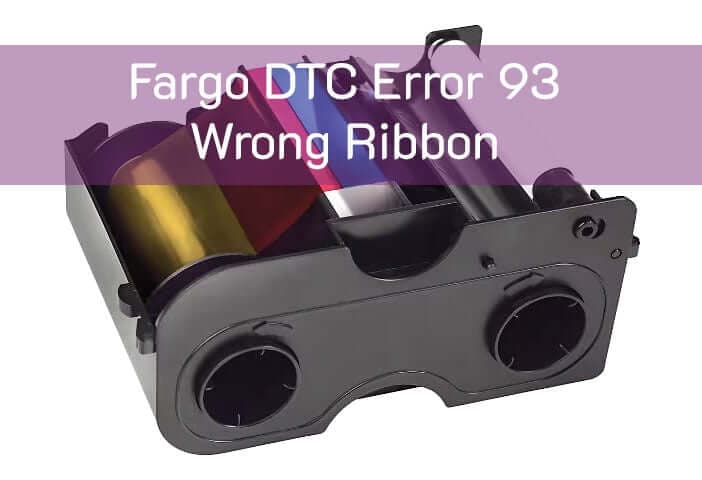
When your screen or printer display shows Fargo DTC error 93 wrong ribbon, the printer is telling you that the installed ribbon does not match what it expects. The Fargo DTC driver and the printer firmware keep track of which ribbon type should be installed. If the installed ribbon does not match, the printer stops the job to protect your print quality and supplies.
In simple terms, Fargo DTC error 93 wrong ribbon means “I see a ribbon, but it is the wrong type or not recognized correctly.”
Why does Fargo DTC error 93 wrong ribbon happen?
This error usually comes from a mismatch between the ribbon in the printer and the configuration in the driver or device:
Wrong ribbon type for the driver setting
The driver is set to YMCKO, but a KO, monochrome, or YMCKOK ribbon is installed.
You recently changed ribbon type but did not update the driver.
Unsupported or third-party ribbon
A non-Fargo ribbon is installed that the printer does not recognise.
The RFID tag in the cassette does not match the expected ribbon type.
Ribbon cassette not seated properly
The cassette is sitting slightly out of position.
The printer’s sensors cannot reliably read the ribbon information.
Firmware or sensor issues
The printer firmware is out of date or having trouble reading the RFID tag.
Dust or contamination around the ribbon sensor area.
How to fix Fargo DTC error 93 wrong ribbon
Follow these steps in order to clear Fargo DTC error 93 wrong ribbon:
Confirm which ribbon is installed
Remove the ribbon cassette and check the label on the ribbon and the box.
Note whether it is YMCKO, YMCKOK, KO, black monochrome, or another type.
Match the printer driver to the ribbon
Open the Fargo DTC printer driver on your computer.
Go to Printing Preferences or Supplies.
Set the ribbon type to exactly match the ribbon in the printer.
Click Apply or OK to save your changes.
Reseat the ribbon cassette
Reinstall the ribbon cassette into the printer.
Press firmly until it clicks into place and the cover closes cleanly.
Power-cycle the printer
Turn the printer off, wait 10 seconds, then turn it back on.
Allow the printer to fully initialize.
Print a test card
Send a simple test print from the driver or Fargo Workbench.
If the test prints successfully, the Fargo DTC error 93 wrong ribbon condition is resolved.
What if Fargo DTC error 93 keeps coming back?
If Fargo DTC error 93 wrong ribbon appears again even after you match the driver settings and reseat the cassette, try the following:
Install a brand-new, genuine Fargo ribbon
Use the correct part number recommended for your DTC model.
Avoid third-party ribbons while you are troubleshooting.
Clean the printer and check for other ribbon errors
Run a cleaning cycle with official cleaning cards.
If you also see ribbon RFID errors (such as error 100), the RFID reader may be involved.
Check for firmware updates
Use Fargo Workbench to check for printer firmware updates.
Updating firmware can improve ribbon recognition and error handling.
Get help and supplies for Fargo DTC error 93
If you are still seeing Fargo DTC error 93 wrong ribbon after trying a new ribbon, cleaning, and checking your settings, there may be a problem with the RFID reader or sensors inside the printer. Before you waste more cards and ribbon, it is often easier to talk to a Fargo specialist.
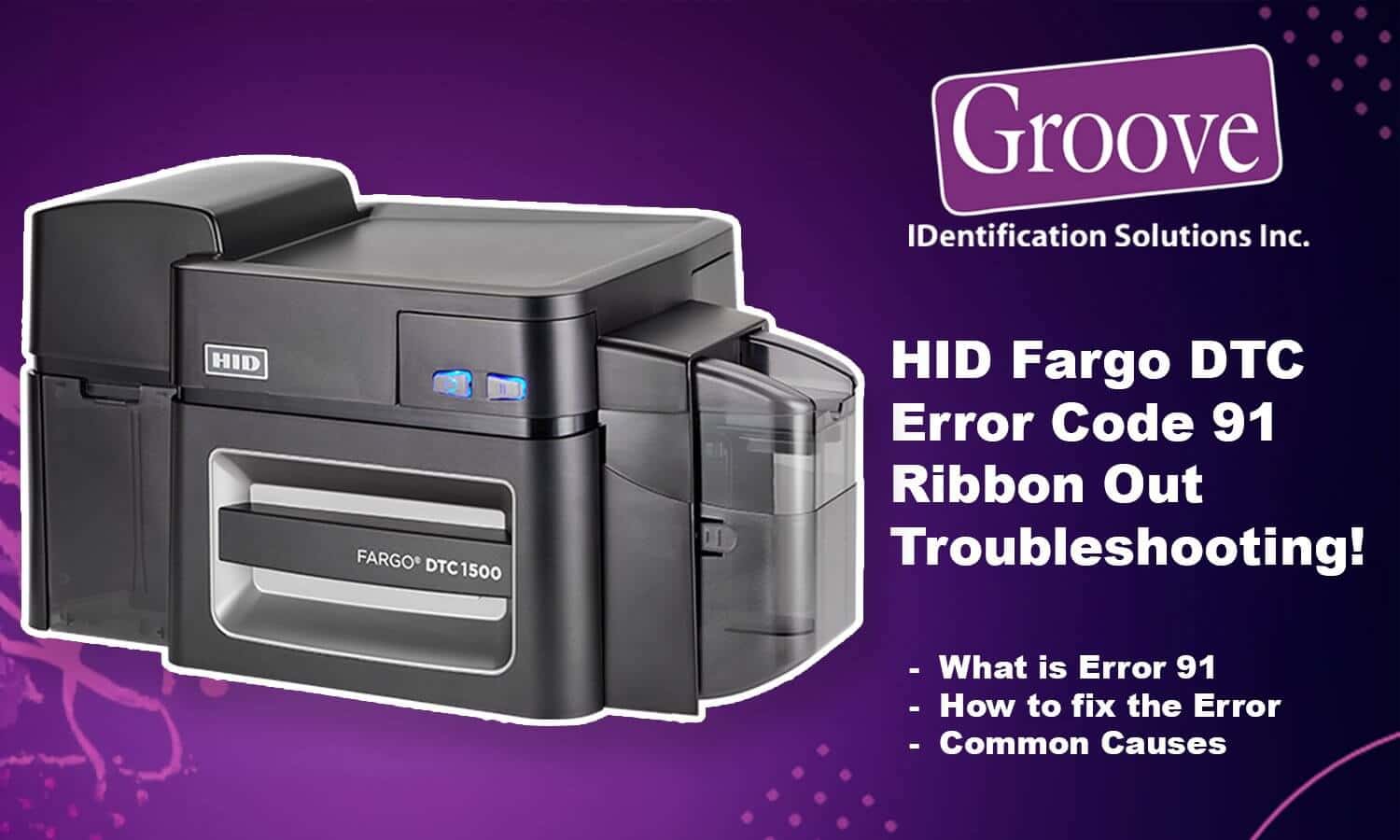
For ribbon issues combined with ‘ribbon out’ problems, see our Fargo DTC error 91 ribbon out fix guide. https://groovebadges.com/a/blog/fargo-dtc-error-91-ribbon-out
In Canada, Groove Identification Solutions can help you:
Confirm the correct Fargo ribbon part number for your DTC model
Ship genuine Fargo ribbons and cleaning kits from within Canada
Walk you through live troubleshooting, or help you decide if it is time for repair or trade-in
For help with Fargo DTC error 93 wrong ribbon and other Fargo printer issues, call 1-888-940-3645 or contact us through our website. https://groovebadges.com/