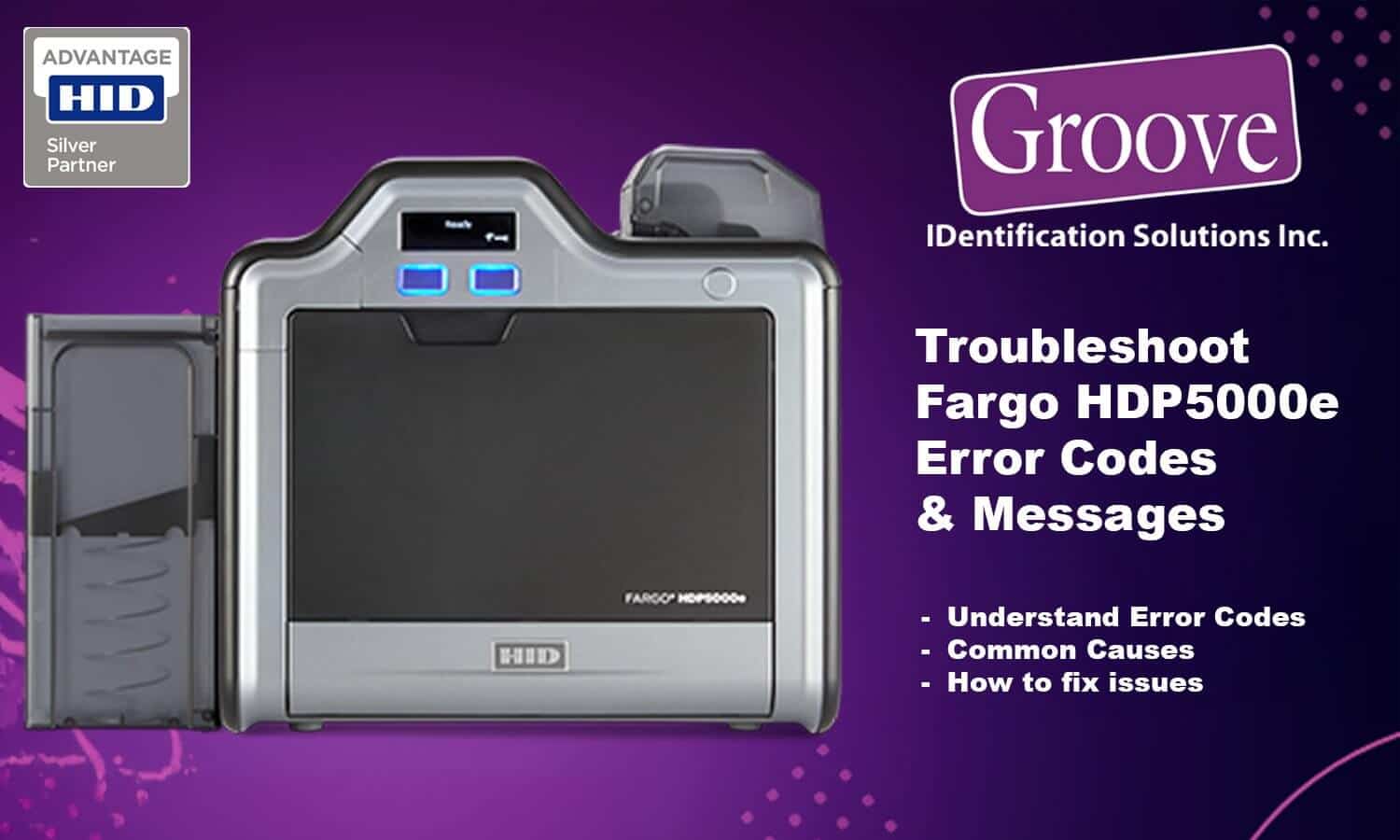
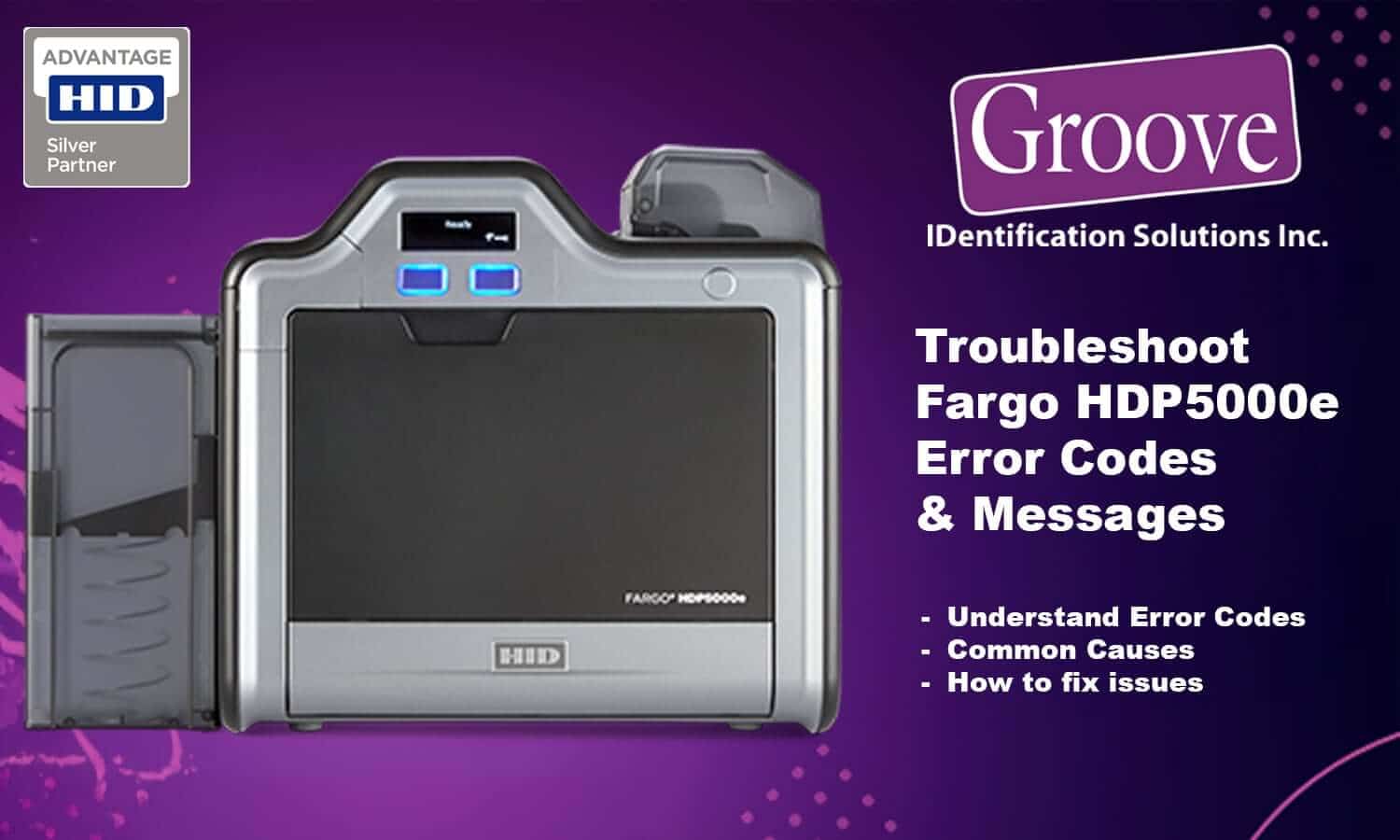
Fargo HDP5000e error codes and message numbers are designed to protect the printer and stop damage, but they can be confusing for administrators who just need printing restored quickly. This complete troubleshooting guide explains Fargo HDP5000e error codes and messages, how to understand them, what typically causes them, and the best next steps to resolve issues without advanced technical experience.
Rather than listing hundreds of individual messages one by one, this guide groups related error numbers into clear categories based on how the HDP5000e operates, making it faster and easier to diagnose problems.
Table of Contents
- Quick Decision Guide for HDP5000e Errors
- How Fargo HDP5000e Error Messages Work
- Quick Message Number Lookup (All Ranges)
- Ribbon Error Messages (Most Common)
- Print Film and Transfer Error Messages
- Card Feed and Card Path Messages
- Laminator Error Messages (If Equipped)
- Encoder, Communication, and System Messages
- What HDP5000e Error Messages Usually Do NOT Mean
- Why the HDP5000e Shows So Many Message Numbers
- Preventing HDP5000e Error Messages
- When to Contact Support or Service
- Frequently Asked Questions About Fargo HDP5000e Error Codes
- What does a Fargo HDP5000e message number mean?
- Why does my HDP5000e show different error codes for similar problems?
- Can I ignore soft error messages on the HDP5000e?
- Do I need to replace my ribbon or film every time I see an error?
- Why do Fargo HDP5000e error messages repeat after clearing them?
- When should I contact support for an HDP5000e error code?
- Why Work with a Fargo-Authorized Support Partner
- Need Help with a Specific Message Number?
 Quick Decision Guide for HDP5000e Errors
If you’re an administrator trying to get printing restored quickly, use this guide before digging into individual messages.
If the error mentions ribbon, film, or laminate:
Start by reseating or replacing the consumable and running a calibration.
If the error repeats after calibration:
Replace the consumable with a new genuine Fargo supply.
If the error happens mid-print across multiple jobs:
Run a cleaning cycle and reboot the printer.
If the error appears immediately on power-up:
This may indicate a sensor or mechanical issue that requires service.
How Fargo HDP5000e Error Messages Work
This guide covers Fargo HDP5000e error codes and messages across ribbon, film, card path, and system-related issues. The HDP5000e displays message numbers, not just simple errors. Each message corresponds to a specific printer condition, sensor reading, or protection event.
Message numbers generally fall into two types:
• Hard messages – printing stops until the issue is resolved
• Soft messages – informational warnings that may still allow operation
Most messages fall into predictable categories such as ribbon, film, card movement, lamination, or communication.
Quick Message Number Lookup (All Ranges)
Use this section to quickly identify which category your message number belongs to. All message numbers listed below are taken directly from the HDP5000e user guide.
Ribbon-related messages:
518, 519, 520, 526, 527, 530, 535, 562, 563
Print film and transfer messages:
492, 494, 499, 500, 501, 504, 506
Card feed and card path messages:
458–469, 472–479, 503, 528, 540
Laminator and lamination messages (if equipped):
52–214 (multiple lamination-specific message numbers)
Encoder, communication, and system messages:
25, 28, 142, 503 and related configuration messages
If you see a message number not listed above, it will still fall into one of the categories explained below.
Ribbon Error Messages (Most Common)
Ribbon-related message numbers typically indicate problems with ribbon detection, movement, compatibility, or calibration.
Common ribbon message numbers include:
518 (No Ribbon Installed)
519 / 520 (Wrong Ribbon Installed)
526 (Ribbon Out)
527 (Ribbon Sensor Error)
530 (Ribbon Miscue)
535 (Ribbon Sensor Calibration Failed)
562 / 563 (Incompatible Ribbon Detected)
What these messages usually mean:
The printer cannot correctly detect or move the ribbon, or the ribbon installed does not match what the printer expects.
Typical causes:
• Ribbon not seated correctly
• Ribbon near end of life
• Ribbon damage or wrinkles
• Non-genuine or incompatible ribbon
• Ribbon sensor out of calibration
How to resolve most ribbon messages:
Remove and inspect the ribbon
Reinstall the ribbon firmly
Power cycle the printer
Replace ribbon if damaged or near empty
Run ribbon sensor calibration in Fargo Workbench
Most Common Fargo HDP5000e Error Messages
Based on field experience, these are the most frequently reported HDP5000e error messages:
• Ribbon Out / Ribbon Miscue
• Wrong Ribbon Installed
• Print Film Out or Wrinkled
• Card Feed Error
• Lamination Temperature Not Reached
These messages account for the majority of service calls and are almost always related to consumables, calibration, or card handling rather than hardware failure.
Print Film and Transfer Error Messages
Transfer film messages indicate problems with film installation, tension, or sensor detection.
Common film-related message numbers include:
492 (Print Film Not Installed)
494 (Wrong Print Film Installed)
499 (Print Film Out)
500 / 501 (Check Film)
504 (Calibrate Film)
506 (Check Film Path)
What these messages usually mean:
The printer cannot properly feed, tension, or detect the transfer film.
Typical causes:
• Film cartridge not seated correctly
• Film wrinkled or damaged
• Film sensor requires calibration
• Incorrect film type installed
How to resolve film messages:
Remove and inspect the film cartridge
Reinstall film carefully with no slack
Run transfer film calibration
Replace film if wrinkles or damage are present
Card Feed and Card Path Messages
These messages occur when cards cannot move smoothly through the printer.
Common card-related message numbers include ranges such as:
458–469, 472–479, 503, 528, 540
Typical causes:
• Cards sticking together due to static
• Card thickness outside specification
• Cards loaded unevenly
• Debris or dust in card path
How to resolve card feed messages:
Remove and fan cards before loading
Confirm card thickness meets Fargo specifications
Do not overfill the hopper
Run a cleaning cycle
Laminator Error Messages (If Equipped)
If your HDP5000e includes a laminator, message numbers between approximately 52 and 214 relate to lamination temperature, movement, or material detection.
Typical causes:
• Laminate roll not installed or misaligned
• Incorrect laminate type
• Lamination temperature not reached
• Mechanical resistance in laminator
Resolution steps usually include:
• Verifying laminate type
• Reseating laminate roll
• Allowing full warm-up time
• Power cycling the printer
Encoder, Communication, and System Messages
System-level message numbers indicate issues with communication, configuration, or optional modules.
Typical causes:
• USB or network interruption
• Encoder initialization failure
• Driver or firmware mismatch
How to resolve system messages:
Power cycle the printer
Check USB or Ethernet connections
Restart print software
Confirm drivers and firmware are current
What HDP5000e Error Messages Usually Do NOT Mean
Many HDP5000e error codes look serious but do not mean the printer is broken.
In most cases, these messages do not indicate:
• A failed printhead
• Permanent hardware damage
• The need to replace the printer
Most errors are protective stops designed to prevent damage and can be resolved with consumables, calibration, or maintenance.
Why the HDP5000e Shows So Many Message Numbers
The Fargo HDP5000e uses a high number of message codes because it relies on multiple sensors to protect the transfer process, printhead, and lamination components.
Each message corresponds to a specific sensor reading or condition rather than a generic failure, allowing more precise troubleshooting when interpreted correctly.
This design reduces damage but increases message frequency compared to direct-to-card printers.
Preventing HDP5000e Error Messages
Most Fargo HDP5000e error codes can be avoided with regular maintenance.
Best practices:
• Clean the printer at every ribbon change
• Use genuine Fargo ribbons and film
• Avoid running supplies completely to zero
• Store cards in a low-static environment
• Perform calibration after changing consumables
When to Contact Support or Service
If error messages continue after following the steps above, the printer may require professional service.
You should contact support if:
• Errors repeat with new supplies
• Printer stops mid-print consistently
• Calibration fails repeatedly
Groove Identification Solutions can help diagnose Fargo HDP5000e issues, provide genuine supplies, and guide next steps to keep your printer running reliably.
Frequently Asked Questions About Fargo HDP5000e Error Codes
What does a Fargo HDP5000e message number mean?
These FAQs address the most common Fargo HDP5000e error codes and messages reported by administrators.. A message number on the Fargo HDP5000e indicates a specific condition detected by the printer, such as a ribbon issue, transfer film problem, card feed interruption, or system communication fault. The number helps narrow down which part of the printer needs attention.
Why does my HDP5000e show different error codes for similar problems?
The HDP5000e uses different message numbers to identify where in the printing process the issue occurred. For example, multiple ribbon-related messages may appear depending on whether the ribbon is missing, incompatible, out of alignment, or requires calibration.
Can I ignore soft error messages on the HDP5000e?
Soft messages are informational warnings and may allow printing to continue temporarily, but they should not be ignored long-term. Addressing soft messages early helps prevent more serious hard errors that can stop printing completely.
Do I need to replace my ribbon or film every time I see an error?
Not always. Many ribbon and film messages are caused by installation issues, calibration requirements, or sensor detection problems. Inspecting and reseating supplies often resolves the issue, but damaged or near-empty consumables should be replaced.
Why do Fargo HDP5000e error messages repeat after clearing them?
Repeated error messages usually indicate an underlying issue such as worn supplies, dirty sensors, incorrect consumables, or a calibration that did not complete successfully. Regular cleaning and using genuine Fargo supplies helps reduce repeat errors.
When should I contact support for an HDP5000e error code?
You should contact support if error messages continue after replacing supplies, running calibration routines, and power cycling the printer, or if the printer consistently stops mid-print. Ongoing errors may indicate a mechanical or sensor-related issue requiring service.
Why Work with a Fargo-Authorized Support Partner
Online guides and manuals can help resolve many issues, but persistent HDP5000e errors often require experience interpreting patterns across supplies, usage, and environment.
Groove Identification Solutions supports Fargo printers daily and can help determine whether an issue is supply-related, calibration-related, or service-related before downtime escalates.
This positions you above:
• Forums
• PDF manuals
• Low-cost and non-authorized resellers
Need Help with a Specific Message Number?
If you are seeing a message number and are unsure which category it falls under, our team is happy to help.
Contact Groove Identification Solutions with the message number shown on your printer and a brief description of what you were printing.
Phone: 1-888-940-3645
Website: groovebadges.com